After initiating the SR, you would need to upload files such as, *.cpinfo, configurations, Interface detials, messages files etc, to the Check Point user center for, more investigation.
For that you need to have a Check Point account with the Service Contracts
Below are the steps for a upload from a windows PC
In Linux, there are several commands to get the system information/memory depending on the kernel. Below are some commands that works with most of the systems.
In Site to Site VPNs, it is necessary to do debugging in order to get some idea about tunnels, which are not coming UP.
If you use debugging, memory and CPU will be highly utilized, so that there's a workaround, which is you can set up a crypto condition only for a peer for debigging. Below are the CLI commands
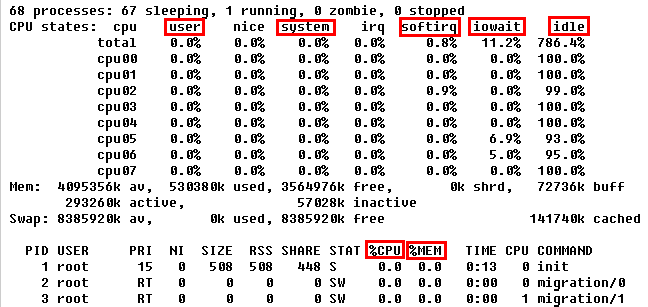
In Gaia(R74.40) I came across with several bugs and one of them is unwanted/low priority process consumes a lot of CPU, and cause utilization of the gateway to be increased.
monitord is such an unwanted process, that I came across with. And searchd is an example for a low priority process, sometimes eats the CPU highly.